.svg)
What is Auto Layout in Figma?
Auto Layout is a powerful Figma feature that makes it easier to create and manage user interface layouts. It automatically arranges the objects inside a frame, adjusting their position, size and spacing based on content and the rules you define, with no manual repositioning. It makes flexible, adaptive design systems much simpler to build, turning components dynamic and interactive.


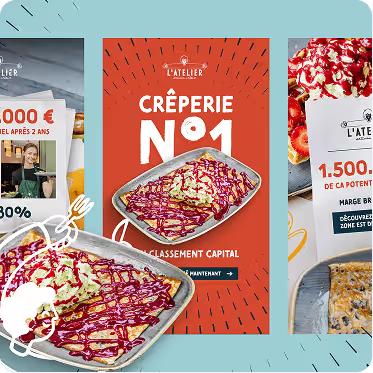



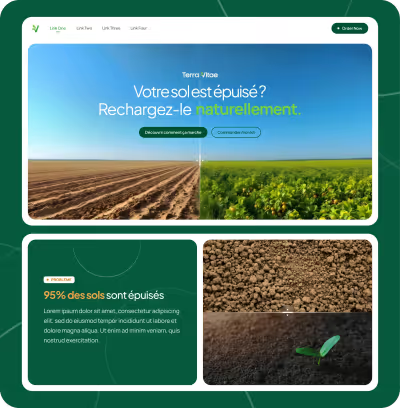


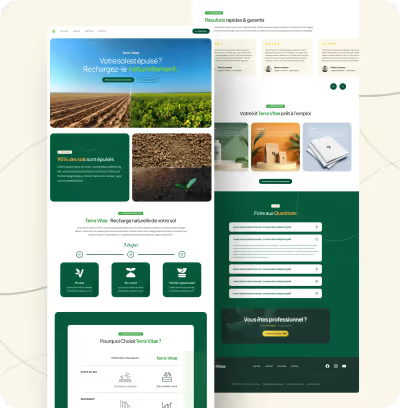



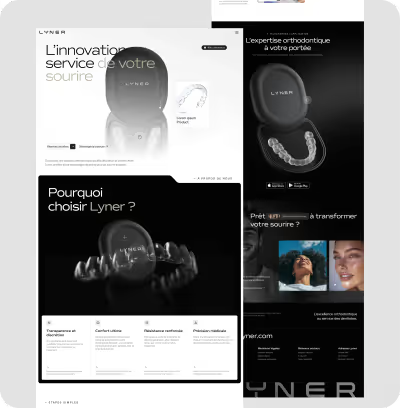






































Unlimited requests, fast results
Submit as many briefs as you need. Our plans allow you to manage a continuous flow of design requests, without limits and without friction, and at an economic cost.

How does Auto Layout work?
Auto Layout behaves like a flexible container acting on the child elements it holds. When you apply Auto Layout to a frame or group, it becomes a smart frame that adapts its size and positions its children according to the direction (horizontal or vertical), the spacing between objects, the internal padding and the alignment you specify.
For instance, if you add text to a button configured with Auto Layout, the button's width adjusts automatically to wrap the text, without you touching the button's size.
The benefits of Auto Layout
- Automation and time savings: the interface becomes faster and easier to update thanks to automatic rules.
- Simpler responsive design: designs adapt naturally to different screen sizes and content changes.
- Design consistency: makes it easy to build reusable components that keep a consistent look despite content variations.
- Precise control: Figma offers fine-grained control over spacing, sizing, alignment and distribution.
- Better collaboration: designers and developers share a clear, flexible system that improves understanding and hand-off.
The main Auto Layout properties
Practical examples
Auto Layout is particularly useful for common interface components such as buttons, lists, menus, cards and navigation bars. For example:
- Dynamic buttons: the button's width tracks the text, keeping internal spacing consistent.
- Lists and menus: items stack automatically with uniform spacing, making it painless to add or remove entries.
- Adaptive cards: content blocks rearrange based on available space.
That flexibility lets designers prototype quickly and hand developers components that are more precise, faithful and easier to code.
Unlimited requests, fast results
Submit as many briefs as you need. Our plans allow you to manage a continuous flow of design requests, without limits and without friction, and at an economic cost.
Conclusion
Auto Layout is an essential Figma tool for designing modern, responsive user interfaces. By automating the position and size of elements, it streamlines the creation of consistent, adaptive, easily editable designs. Mastering it is a serious advantage for both productivity and quality in the design process.
Key takeaways
- The concept in brief:
- Auto Layout: a key Figma feature that automates how objects are arranged inside a frame.
- Dynamic layout: automatically adjusts element size and spacing based on their content and the rules you define.
- Time saver: build responsive, modular interfaces without repositioning components by hand.
- Customization: advanced options to control direction, spacing, padding and alignment.
Unlimited requests, fast results
Submit as many briefs as you like. Our plans let you manage a continuous flow of design requests, without limits or friction, and at an economical price.